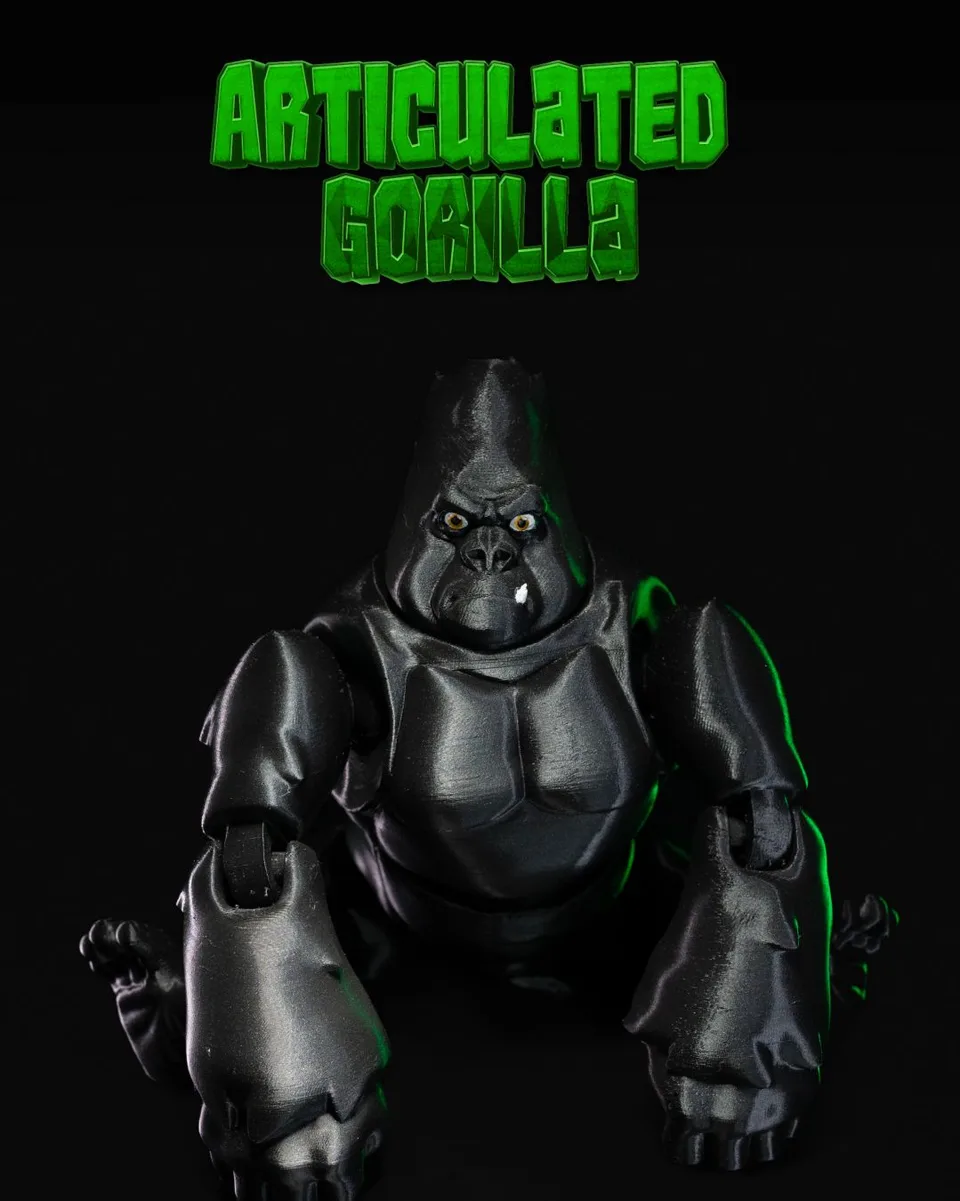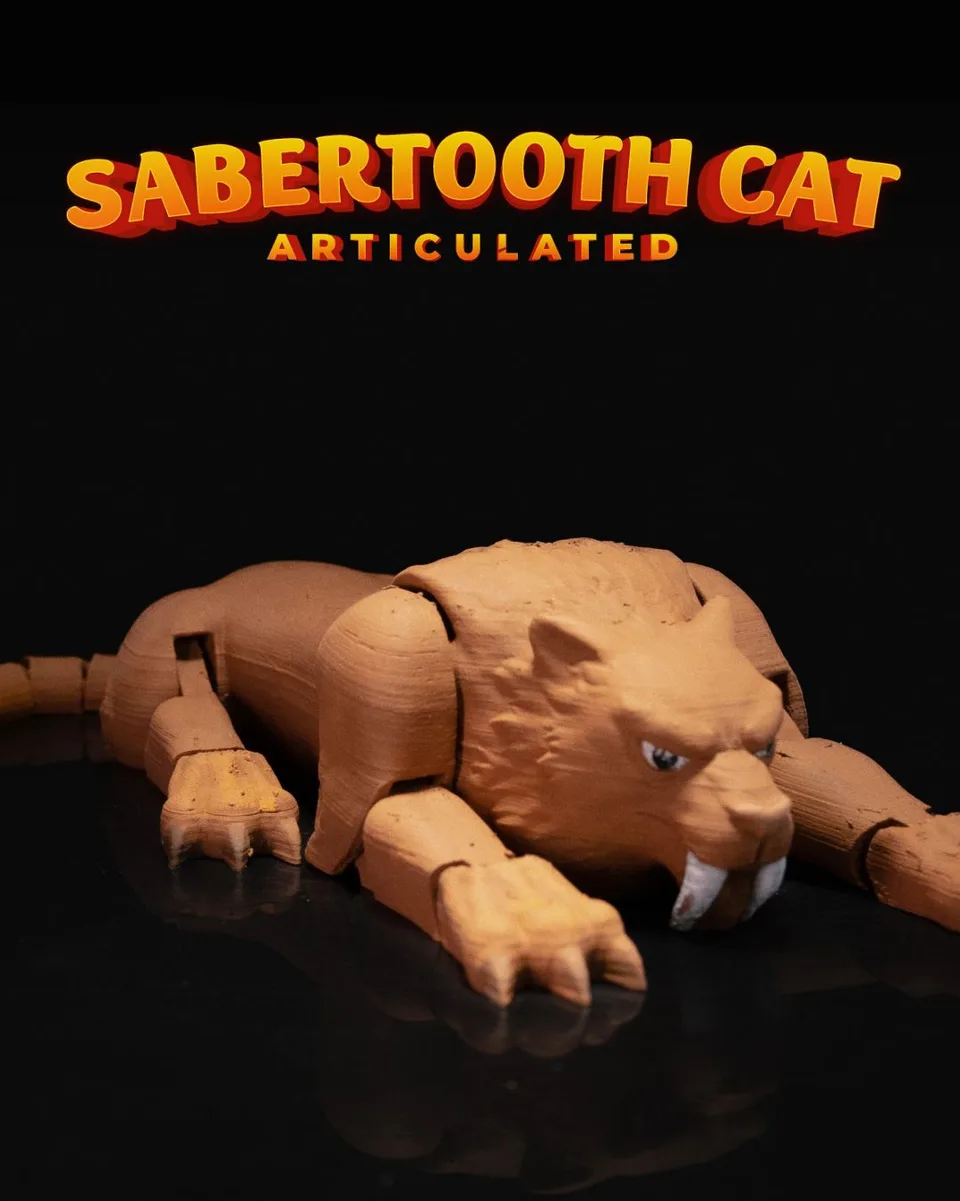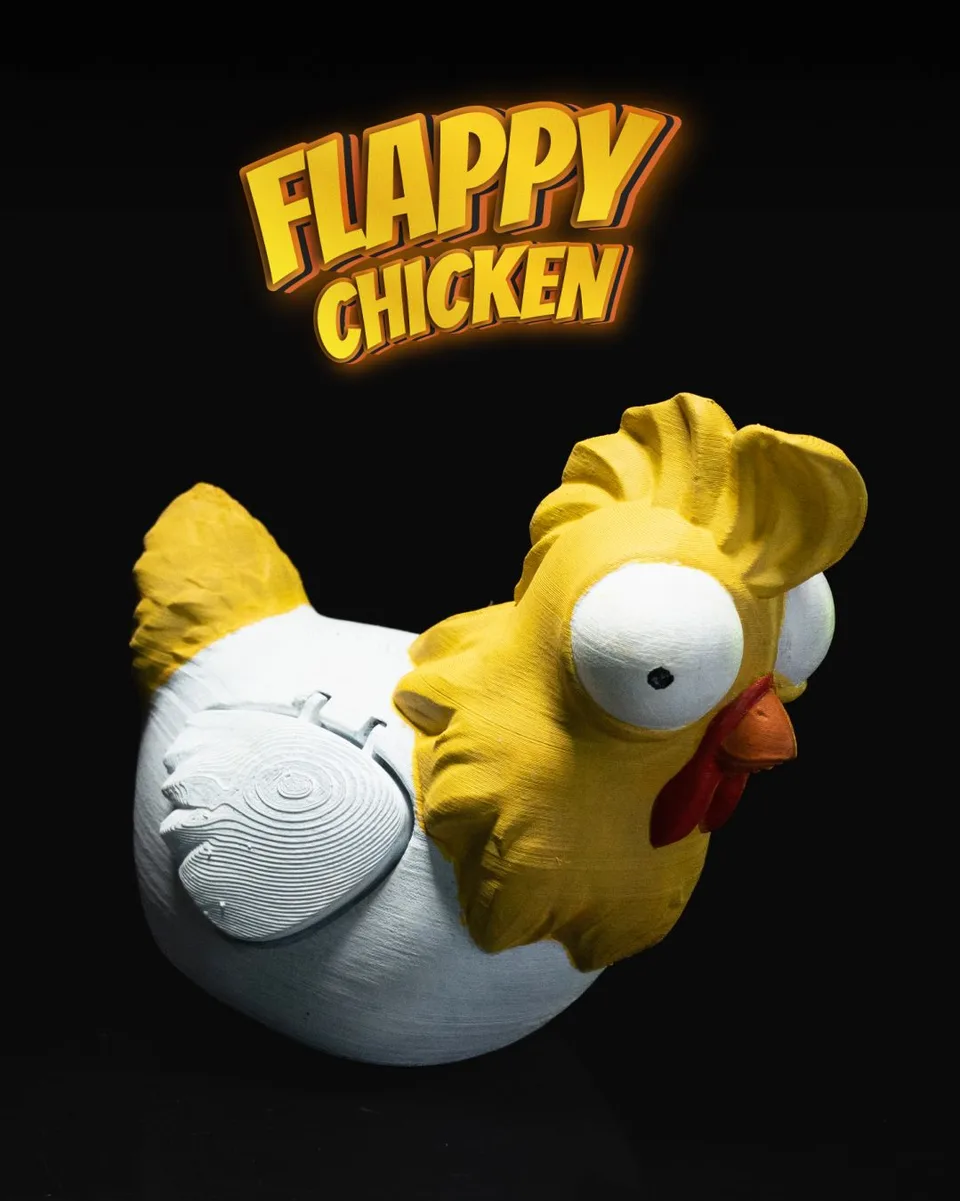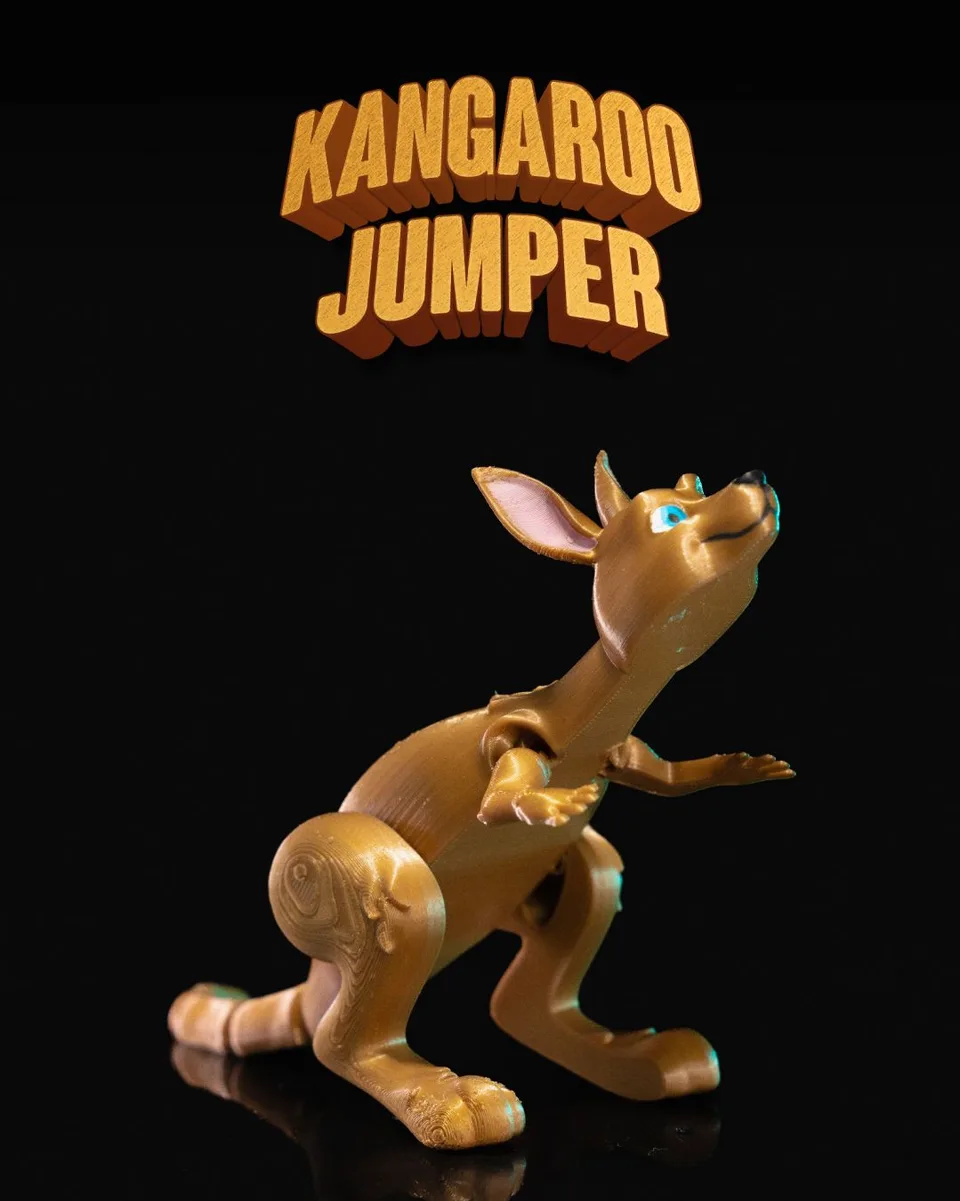
- Video and images: Design and image by STLFlix. Printed under an STLFlix commercial license. · source
Product images are the designer's renders until I photograph my own print. Colors and finish of your print will differ.
Eagle on the Clouds
by STLFlix
From Drop #63 · released May 2023
$95
This price is an estimate, not final. After you order, I work out the exact cost and email it to you. Nothing is charged until you approve that price and pay.
+ shipping, about $10.50 for one (U.S.), shown separately at checkout · or free local pickup
Made to order: At least 4 weeks. First print of this design: I test-print and dial it in before yours, so allow a few extra days.
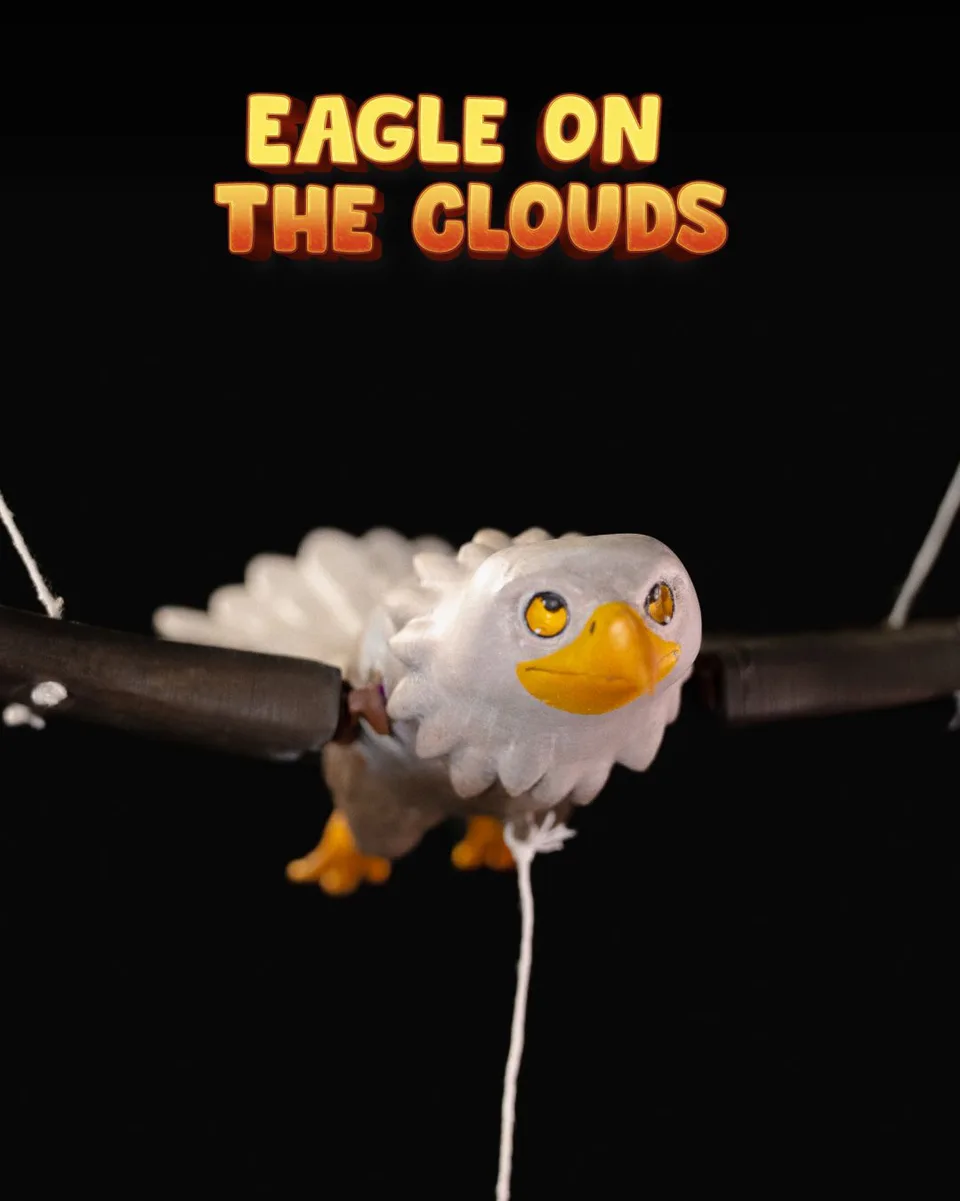
Our majestic eagle was made to fly high. But only as high as you hang her. Just place her in great height, and you’ll have a pretty sight. Can you imagine not printing this? Hawkward.
Assemble your bald bird with these instructions:
1 - Glue the "Eagle_Lower_Body" to the "Body_Plug" and then glue both to the "Eagle_Upper_Body". All body pieces must be printed with 0% Infill.
2 - Glue the "Bottom_Right_Plug_Wing" and the "Upper_Right_Plug_Wing" to the "Right_Wing" following the circular markings on the wing for alignment.
3 - Glue the "Bottom Left Plug Wing" and "Upper Left Plug Wing" to the "Left Wing" following the circular markings on the wing for alignment.
4 - Glue both wings to the body, following the circular markings on the body for alignment.
5 - Glue the "Left_Stick" to "Left_Stick_Plug" and the "Right_Stick" to "Right_Stick_Plug", then glue both sides to "Middle_Stick".
6 - Cut 4 pieces of string, each about 60 cm long, to thread through the wings from bottom to top, tying a knot at the bottom of the wings. (the strings should be the same length for all 4 holes)
7 - Attach each of the 4 strings to the "stick", threading from bottom to top and tying a knot at the top.
8 - Cut 1 piece of string, about 60 cm long, to thread through the remaining holes in the "stick". Each end of the string should go on one of the remaining holes, from top to bottom, with the knot at the bottom, so that it creates a loop to hang on a hook in the ceiling.
9 - Cut 1 piece of string that’s about 20 cm long, and tie it to the ring on the bottom of the "Eagle_Lower_Body".
10 - Your eagle is now ready to flap its wings.
Eagle on the Clouds, designed by STLFlix and printed to order by FluxCore3D in Mentor-on-the-Lake, Ohio.
Printed in PLA unless you ask otherwise. Want PETG, a different size or a custom color? Ask and I'll quote it.
- Difficulty
- Master
- Print time
- Very Long (More than 12 hours)

Designed by STLFlix
Design and image by STLFlix. Printed under an STLFlix commercial license.